
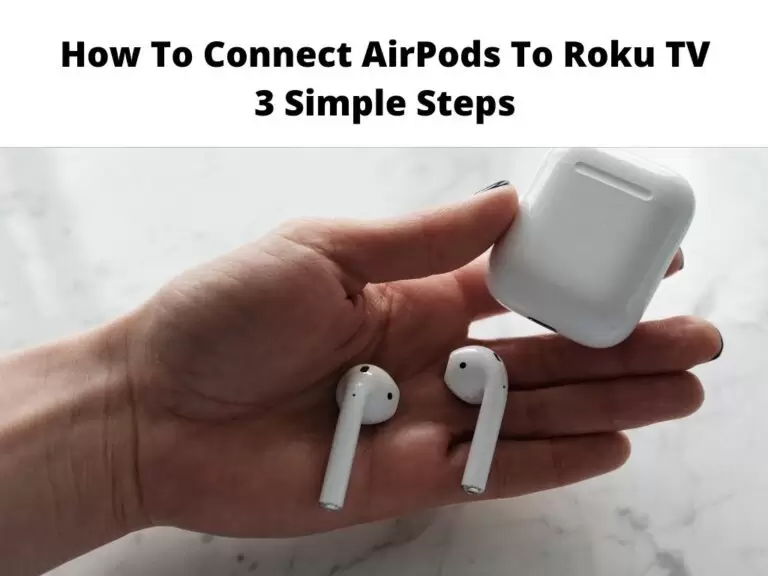
How to connect AirPods to Roku TV will be the emphasis of this write-up. If you want to enjoy high-quality audio, then you need Apple AirPods.
The unique thing about this earbud is that it is compatible with many devices which Roku is included. If you make use of the Roku device to stream, then it is possible to connect AirPods to it.
When this is done, Roku will route the audio to the AirPods. However, there is a catch, the AirPods Cannot be directly connected to Roku. You will have to make use of the Roku mobile app which will serve as a medium to access any Roku content on your AirPods.
As stated above, it would be a herculean tax to try to connect AirPods to Roku devices. This is because it is not possible to connect Bluetooth headphones to Roku in general. However, there is still a way this can be done.
By this method you will need to connect AirPods to a mobile device, linking the Roku app to Roku TV. Then you can proceed to watch any content, then hear it on AirPods.
Table of Contents
How to connect AirPods to Roku TV
Establish a connection between your phone and AirPods
For those who want to do this for the first time, ensure your AirPods is charging. Please sit next to your iPhone. A setup animation will appear, click on connect I will follow the instructions on the screen. For those using Android phones, use Bluetooth to pair AirPods.
Launch the Roku TV app and connect your Roku TV
Before you start this your phone and Roku TV must be connected to the same Wi-Fi. click on devices at the bottom of the Roku app and you will be prompted to find your TV if this is your first time. Tap OK. Click connect now. Wait for a moment and at least all devices will appear to select the appropriate Roku device.
Select “Remote” then activate the private listening mode
Click on the remote after pairing the TV and the app. A virtual remote will appear on your TV, click on the headphone icon which can be seen at the lower half of the screen. You will be notified that’s very private listening has not been activated, Tap OK.
Start watching TV!
These are all the steps required to connect AirPods to your Roku TV. Now you will be able to hear audio through AirPods.
Connecting Bluetooth Headphones to Roku TV
The uniqueness of the private listening feature makes it possible for any headphones to be connected to Roku. Hence, it is possible to connect wired earbuds or Bluetooth headphones. To do this you will need to pair your Bluetooth headphones.
Alternatively, you can decide to plug in your wired earbuds. Establish a connection between the Roku app and Roku TV, finally activate the Private Listening feature.
Roku can’t connect to the Roku App
If you are currently finding it difficult to connect your Roku app, it would be impossible to make use of the private listening feature. In other words, it would be impossible to make use of AirPods on that Roku device. Below are common reasons why this might happen.
- Both devices need to be connected to a particular network else it will be difficult to connect.
- Confirm if your Roku is fully updated.
- If you’re making use of an iPhone, you need to grant permission for the app to access other devices.
- Make sure the phone is not connected to a VPN.
- AP isolation must not be activated on the network.
- Ensure your Roku accepts all connections.
- To do this, go to Settings
- Click System
- Go to Advanced system settings
- Control by mobile apps
- Network access. Set to Permissive or Default.
In Conclusion
If you carefully do all that was stated above, your and Airpods would work perfectly. However, in a situation when for some reason it refused to connect, Restart the Roku device and Roku app. Most times doing this will trigger an update, allow it to finish and everything will work perfectly.
Frequently asked questions
Can AirPods be used on Roku TV?
Yes, establishing this connection is not difficult. First, you need to download the Roku TV app on your device. Link the Airpods, Launch the Roku TV app, then click on the remote. From here click on the headphone icon, then OK.
Can Bluetooth be used on Roku TV?
With the Roku TV mobile app to be able to connect your Bluetooth device. the good thing is that all models of speakers and headphones are all supported.
Does Roku TV have Bluetooth?
No, but with the Roku TV app, you can connect Bluetooth devices through the private listening feature.
Why can’t my TV establish a connection with my Roku mobile app?
If you are currently experiencing this, first ensure that your phone and Roku are connected to the same Wi-Fi. also, this can be caused by a weak Wi-Fi signal that will prompt one device to see a network while the other won’t.
Can speakers be paired on Roku TV?
Yes, any audio/video receiver can be connected to the HDMI port on your Roku TV. This supports the audio return channel. However if for some reason your speaker both not support ARC, you can still make use of optical output (S/PDIF).
